The LaTeX editor that doesn't assume you know LaTeX
Start from a guided template and Flow walks you through every blank — one at a time, in order. It keeps the syntax out of your way and always knows where you type next.
No account · Works offline · Your files stay on your disk
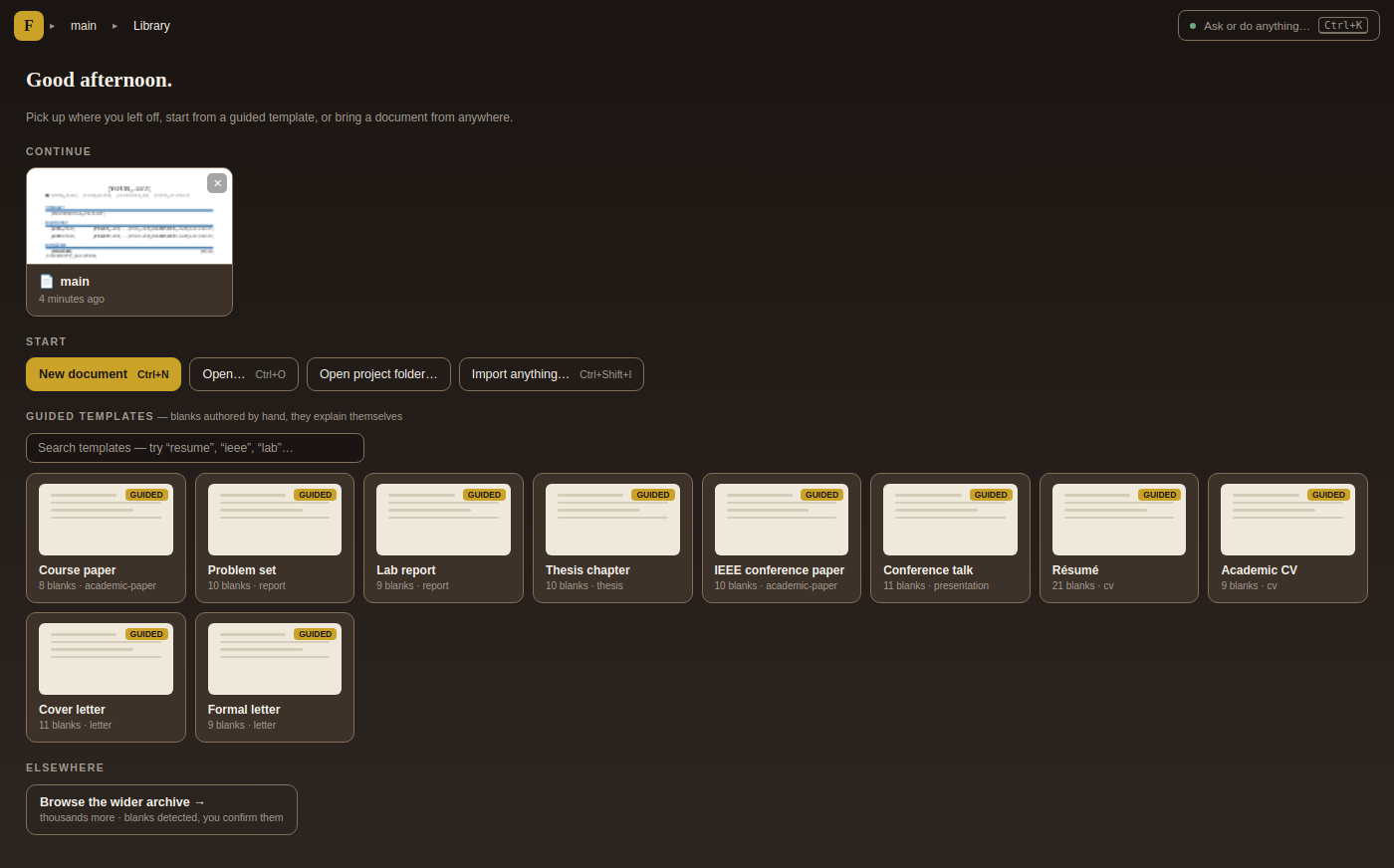
The Library opens with guided templates that explain themselves — no blank page, no
\documentclass to stare at
You write the words. Flow handles the LaTeX.
Every template opens with its structure already in place — dimmed, out of your way. The parts that are yours to write are the only ones lit up. Switch to Review and Flow lines every blank up in the margin and walks you through them one at a time: Fill in, or Later, or Skip. You never hunt through source, and you always know how many are left.
vs Overleaf: a blank \documentclass and a wall of syntax you're expected to already understand.
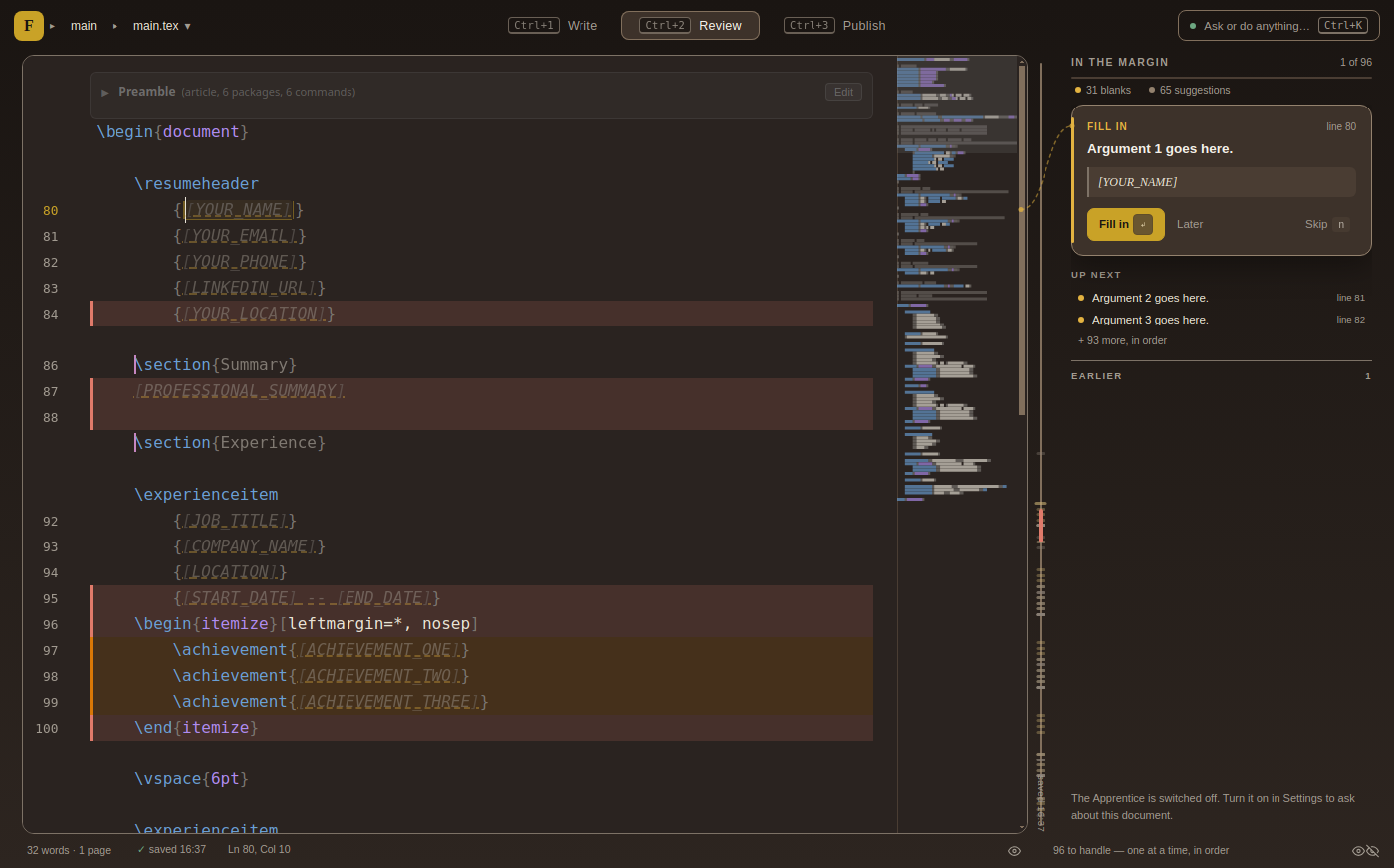
Review mode — “31 blanks · 65 suggestions,” handled one at a time, in order
Real-time collaboration — without handing your work to a cloud.
Share a document and co-authors edit alongside you: live cursors with names, comments in the margin, changes merging as you type. It syncs directly between your machines — there's no account to make and no server holding your draft.
vs Overleaf: real-time editing is the headline feature — but your document lives on their servers, everyone needs an account, and more than one collaborator means a subscription. Flow gives you the collaboration and keeps the document yours.
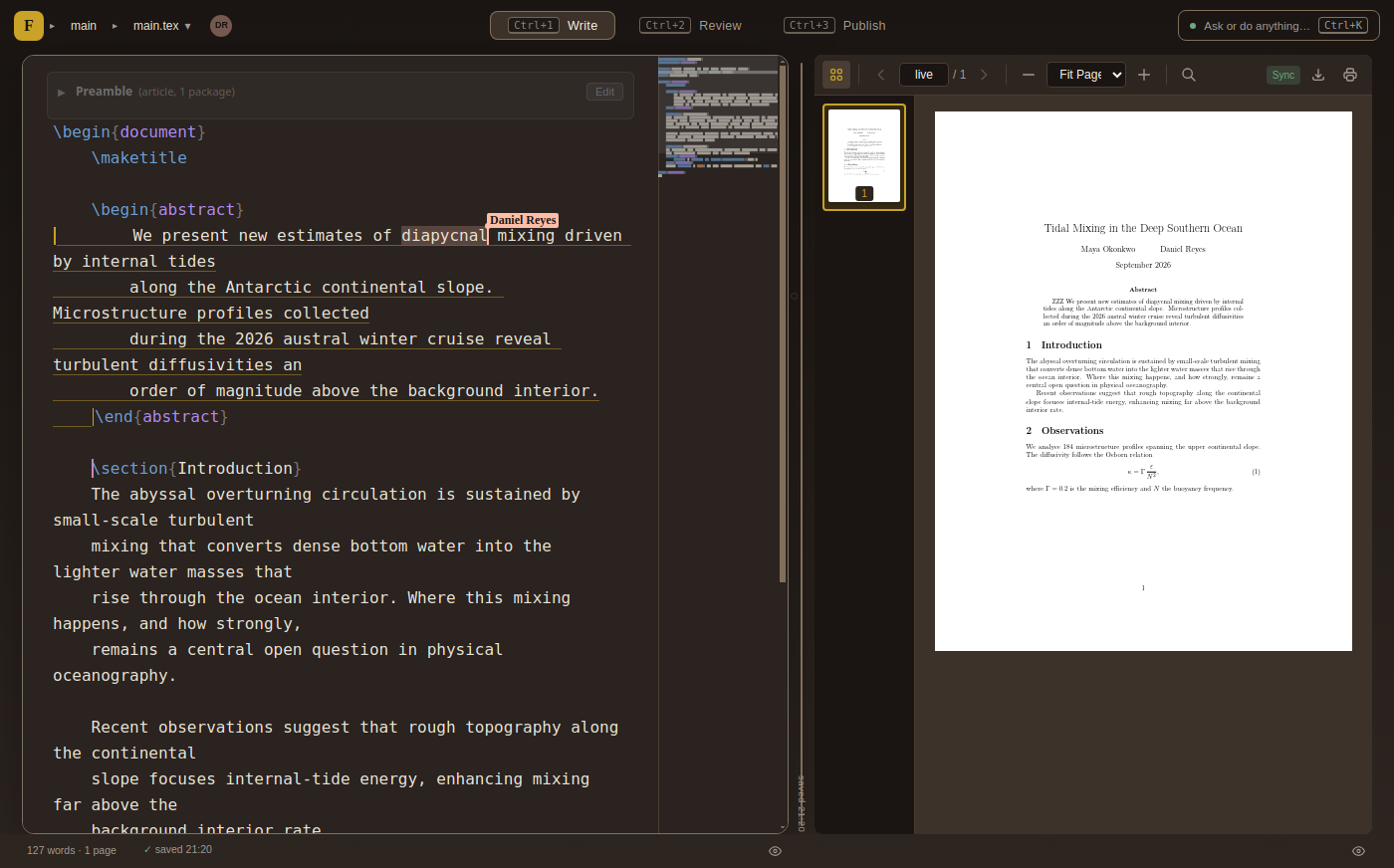
Live cursors, presence, and margin comments — peer-to-peer
No install marathon. No sign-up. No cloud.
Flow ships with its own compiler (Tectonic), so a finished PDF is one keystroke away — no TeX distribution to install and fight with. It's a real desktop app: it opens instantly, works on a plane, and your files sit in a normal folder on your disk.
vs Overleaf: browser-only, an account before you can type, and compile time that's rationed on the free tier. Flow just runs.
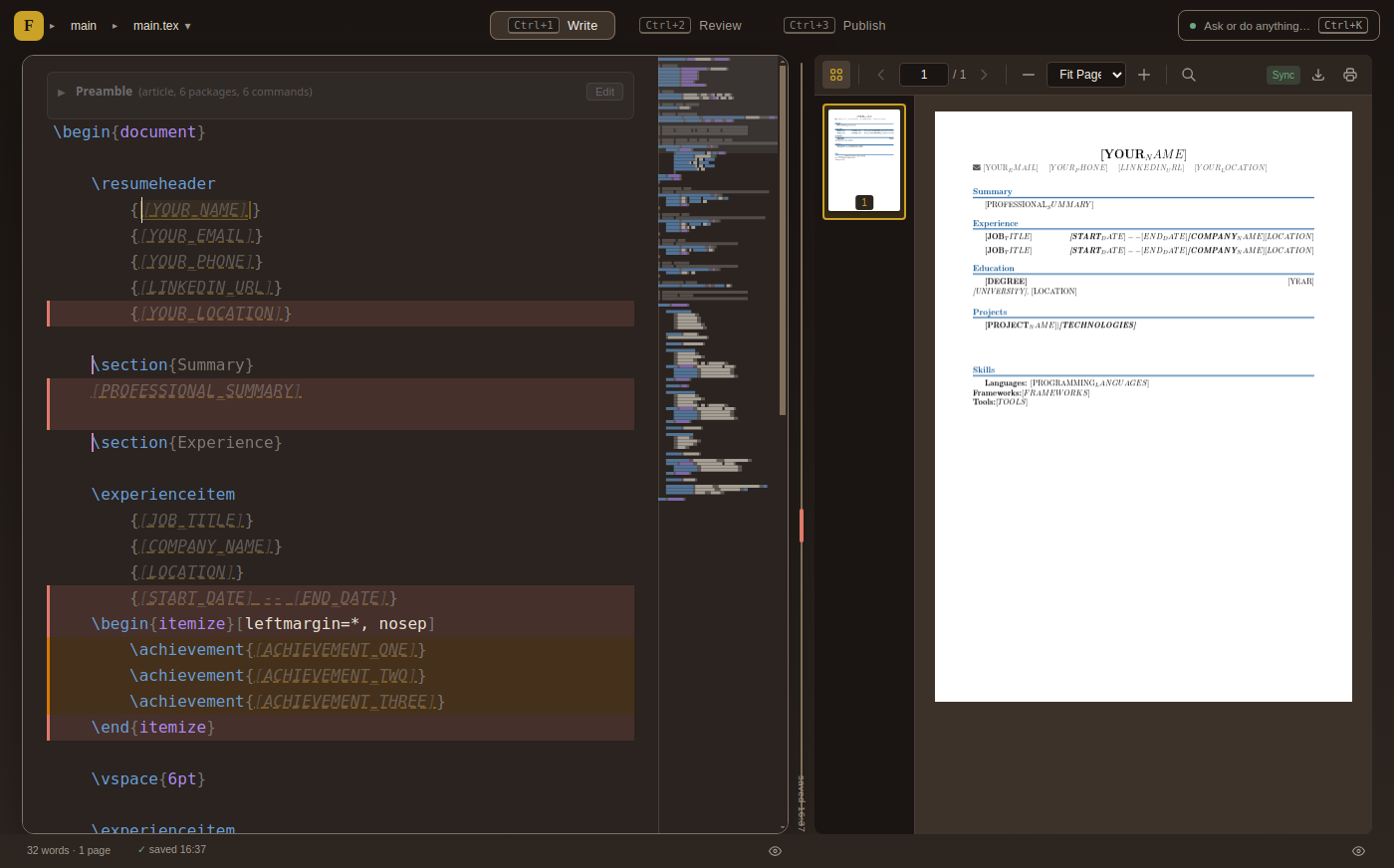
Source and PDF side by side, compiled by the bundled Tectonic — click the PDF to jump to source (SyncTeX)
AI that assists — then gets out of the way.
Suggestions arrive as dimmed ghost text: one keystroke to accept, or just keep typing to ignore them. Compiler errors come with a plain-English explanation and a fix. Gentle nudges flag a weak opening or a passive sentence. It runs locally on your machine, or through Claude, GPT, or Gemini if you'd rather — always your choice, always optional.
vs Overleaf: AI is a paid add-on wired to the cloud. Flow's can run entirely on your own hardware, and it never edits without showing you first.
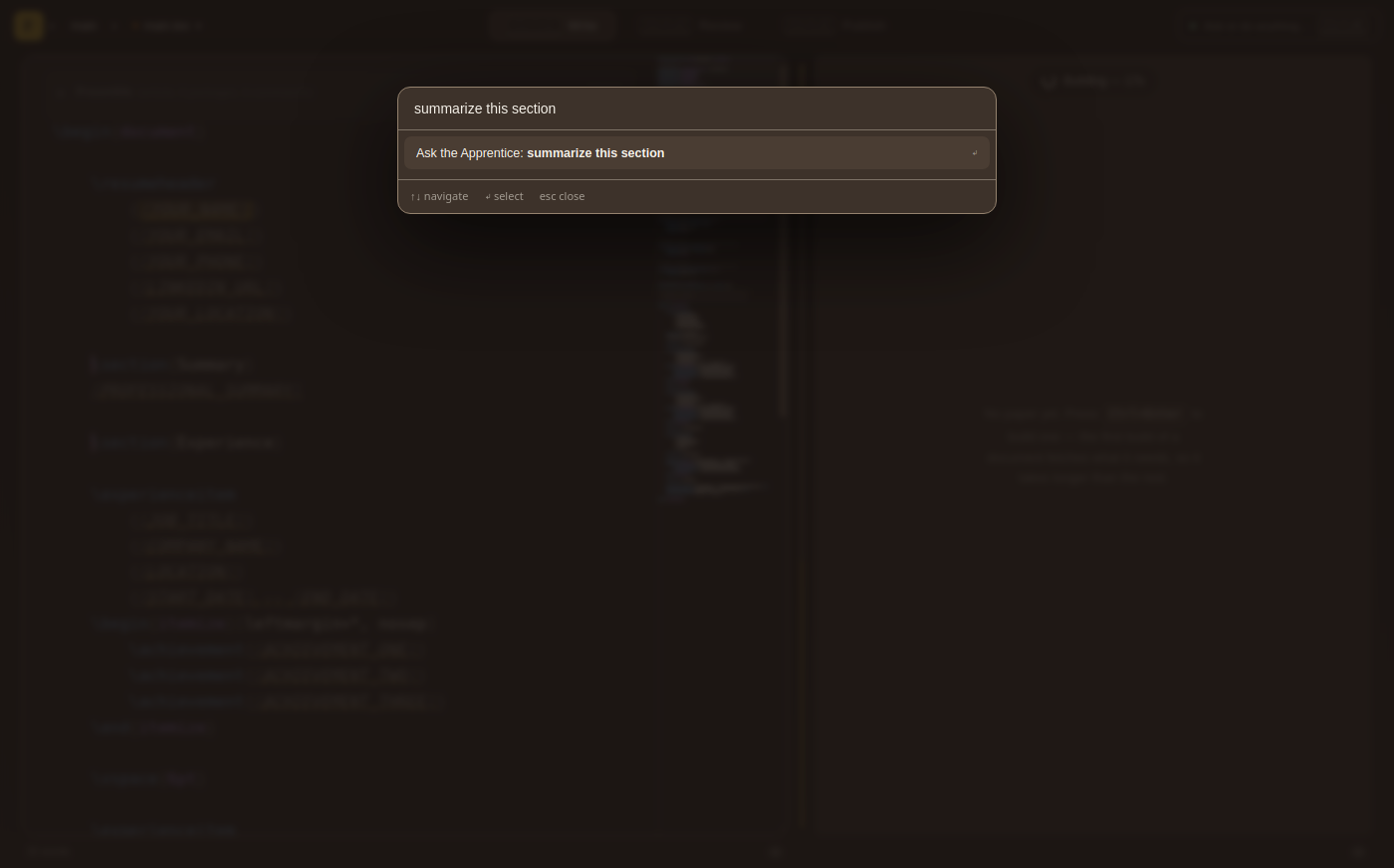
Ask the Apprentice anything with ⌘K — runs locally, or via Claude, GPT or Gemini
Flow vs Overleaf & co.
Same publication-quality output. A very different way to get there.
| Flow | Overleaf | |
|---|---|---|
| Where it runs | Desktop app, fully offline | Browser, online only |
| Account | None needed | Required to start |
| Your document | A file on your disk | Stored on their servers |
| Real-time collaboration | Peer-to-peer, no cloud | Cloud; 1 collaborator free, more is paid |
| Compiler | Bundled (Tectonic), unlimited | Cloud, time-limited on free tier |
| LaTeX knowledge | Not needed to start — templates guide you | Expected for real editing |
| AI help | Local or cloud, optional, free | Paid cloud add-on |
| Price | Free | Freemium subscription |
Overleaf details reflect its published free/paid tiers and may change.
Get Flow
Free. Local. No account required. Just download and start writing.
Windows
Loading...
Download .exeHeads up: the Windows build is not code-signed yet. Windows will show a SmartScreen warning — click More info → Run anyway to install. The macOS build is signed and notarized; Linux packages are GPG-signed.
Previous Releases
Loading releases...